Page Template 1 - Heading 2

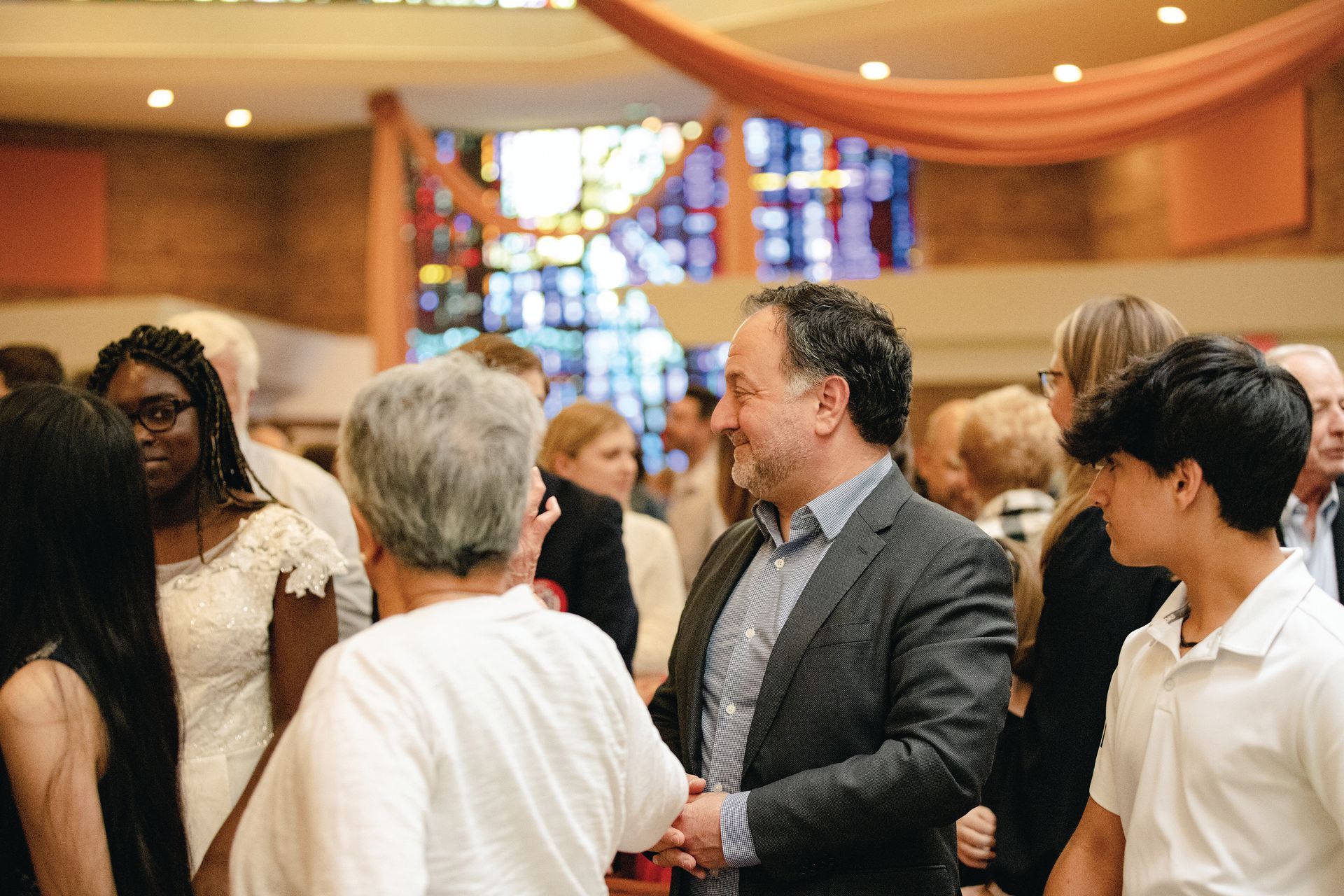
You’ve chosen a terrific way of integrating images and text into your website. Move the image anywhere you want in this container and the text will automatically wrap around it. You can display events team members new products and more easily and creatively. To start add an image from the Image Picker and edit it as you would edit any image in the system. For example you can link the image to existing pages in your site a website URL a popup or an anchor. After you’ve chosen the image add your text. You can add text that describes the image you’ve selected or simply use the image for decorative purposes. \nYou’ve chosen a terrific way of integrating images and text into your website. Move the image anywhere you want in this container and the text will automatically wrap around it. You can display events team members new products more easily and creatively. To start add an image from the Image Picker and edit it as you would edit any image in the system. For example you can link the image to existing pages in your site a website URL a popup or an anchor. After you’ve chosen the image add your text. You can add text that describes the image you’ve selected or simply use the image for decorative purposes.

You’ve chosen a terrific way of integrating images and text into your website. Move the image anywhere you want in this container and the text will automatically wrap around it. You can display events team members new products and more easily and creatively. To start add an image from the Image Picker and edit it as you would edit any image in the system. For example you can link the image to existing pages in your site a website URL a popup or an anchor. After you’ve chosen the image add your text. You can add text that describes the image you’ve selected or simply use the image for decorative purposes. \nYou’ve chosen a terrific way of integrating images and text into your website. Move the image anywhere you want in this container and the text will automatically wrap around it. You can display events team members new products more easily and creatively. To start add an image from the Image Picker and edit it as you would edit any image in the system. For example you can link the image to existing pages in your site a website URL a popup or an anchor. After you’ve chosen the image add your text. You can add text that describes the image you’ve selected or simply use the image for decorative purposes.
New Paragraph
Heading 3
Heading 5
This paragraph serves as an example to provide information about your church, whether it pertains to the sacraments or faith formation, etc. Lorem ipsum dolor sit amet, consectetur adipiscing elit, sed do eiusmod tempor incididunt ut labore et dolore magna aliqua. Ut enim ad minim veniam, quis nostrud exercitation ullamco laboris nisi ut aliquip ex ea commodo consequat. Duis aute irure dolor in reprehenderit in voluptate velit esse cillum dolore eu fugiat nulla pariatur.
Edge Registration
Contact Us
Heading 3
Heading 5
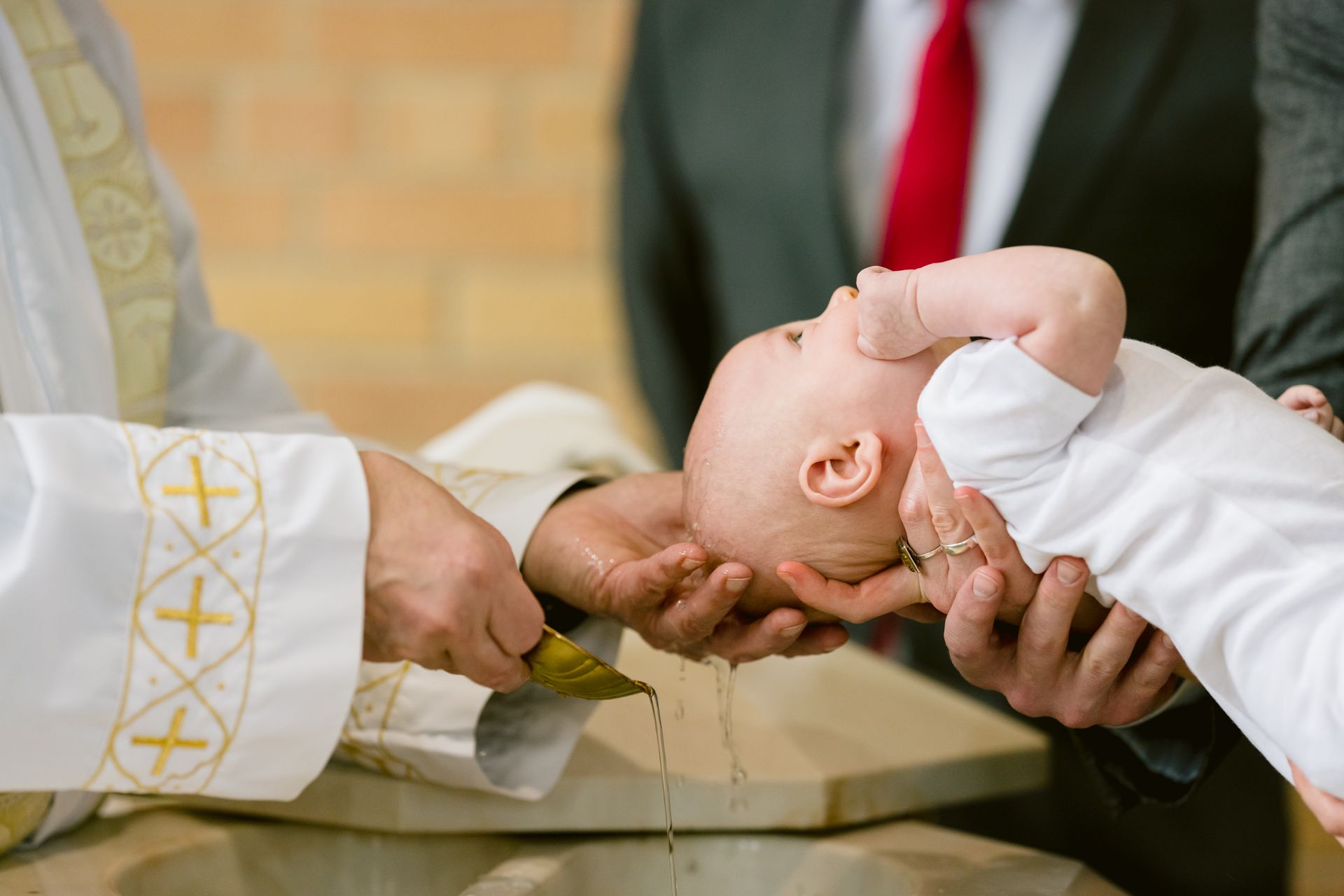
This paragraph serves as an example to provide information about your church, whether it pertains to the sacraments or faith formation, etc. Lorem ipsum dolor sit amet, consectetur adipiscing elit, sed do eiusmod tempor incididunt ut labore et dolore magna aliqua. Ut enim ad minim veniam, quis nostrud exercitation ullamco laboris nisi ut aliquip ex ea commodo consequat. Duis aute irure dolor in reprehenderit in voluptate velit esse cillum dolore eu fugiat nulla pariatur.